





Built from our own exam seasons
We built Peter during our own exam seasons — for every night spent hunting through lecture slides for one definition. It’s the study app we wanted and couldn’t find.
Get Peter on iPhone
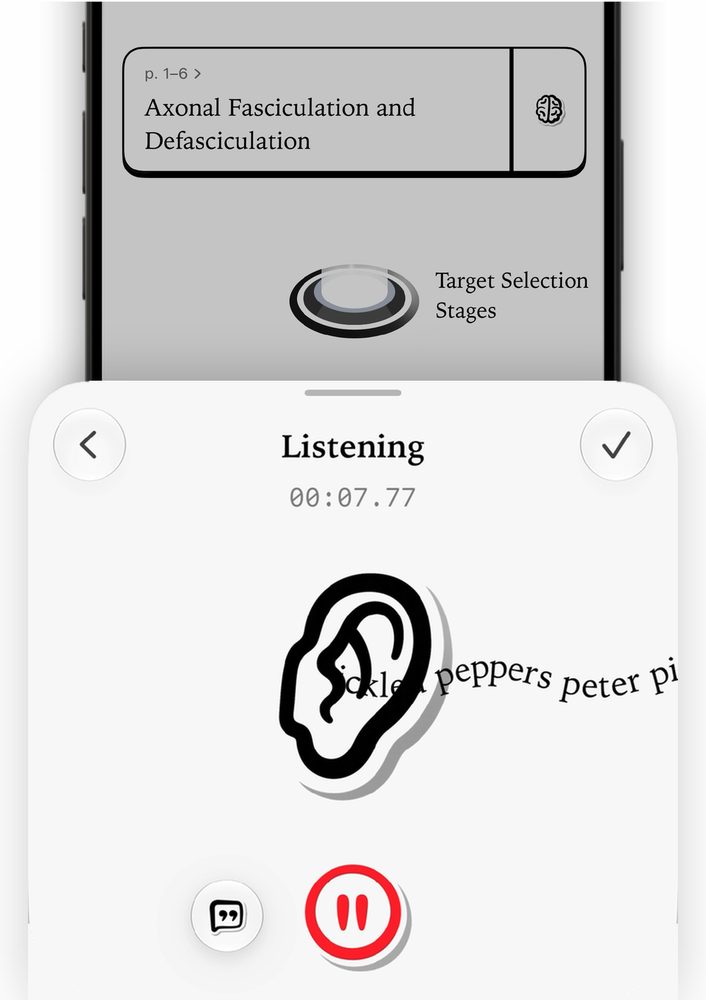
Hit record in class. Your iPhone transcribes it on the device, and Peter is ready to study it with you the moment the lecture ends.
Learn more
PDFs, slides, Word and Excel files, photos of your notes, audio and video — add any of them, and one file becomes one study set.
Learn more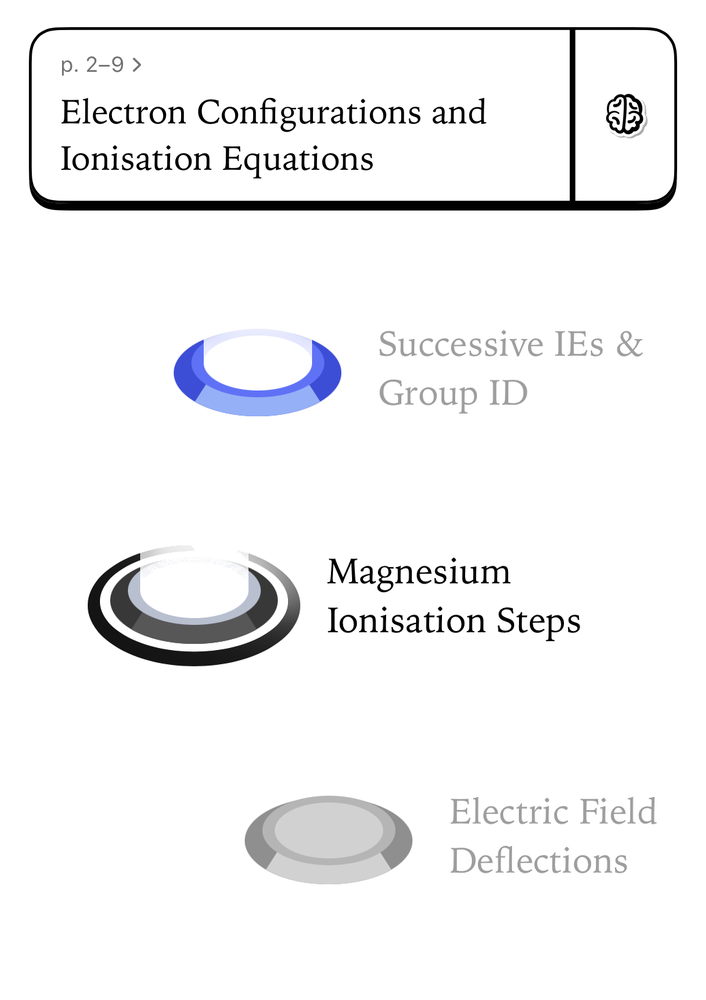
Peter splits your file into chapters and bite-size sessions, with questions written from those exact pages. You always know what to study next.
Learn more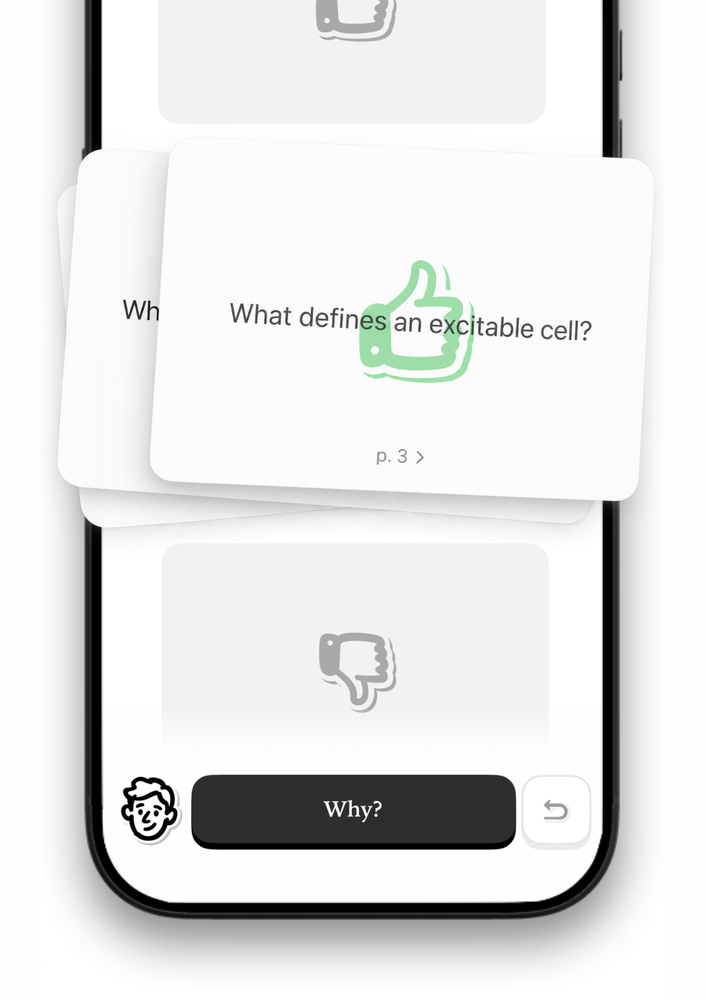
Decks are built from your material and sized to what’s actually in it — so a ten-page reading never turns into four hundred cards.
Learn more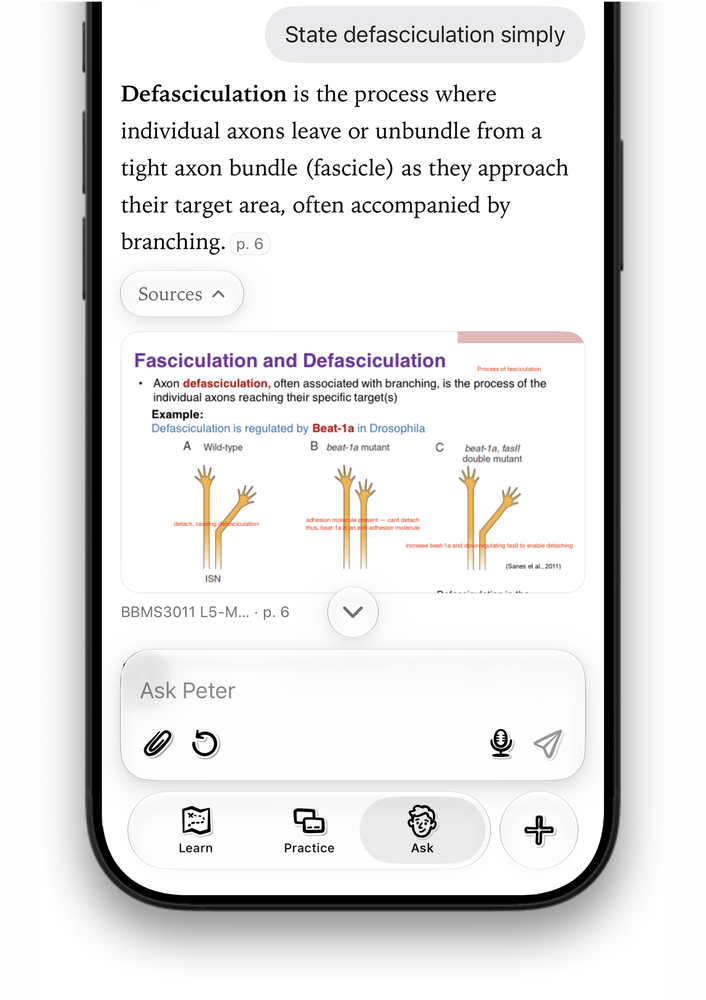
Ask Peter anything about the file. Answers come from your material, not the internet, and point to the page they came from.
Learn moreWe built Peter during our own exam seasons — for every night spent hunting through lecture slides for one definition. It’s the study app we wanted and couldn’t find.
Get Peter on iPhone Minseok, founder
Peter is available now on iPhone, so your study set is always in your pocket. iPad and web versions are in the works, for when you’d rather study on a bigger screen.
Download on the App Store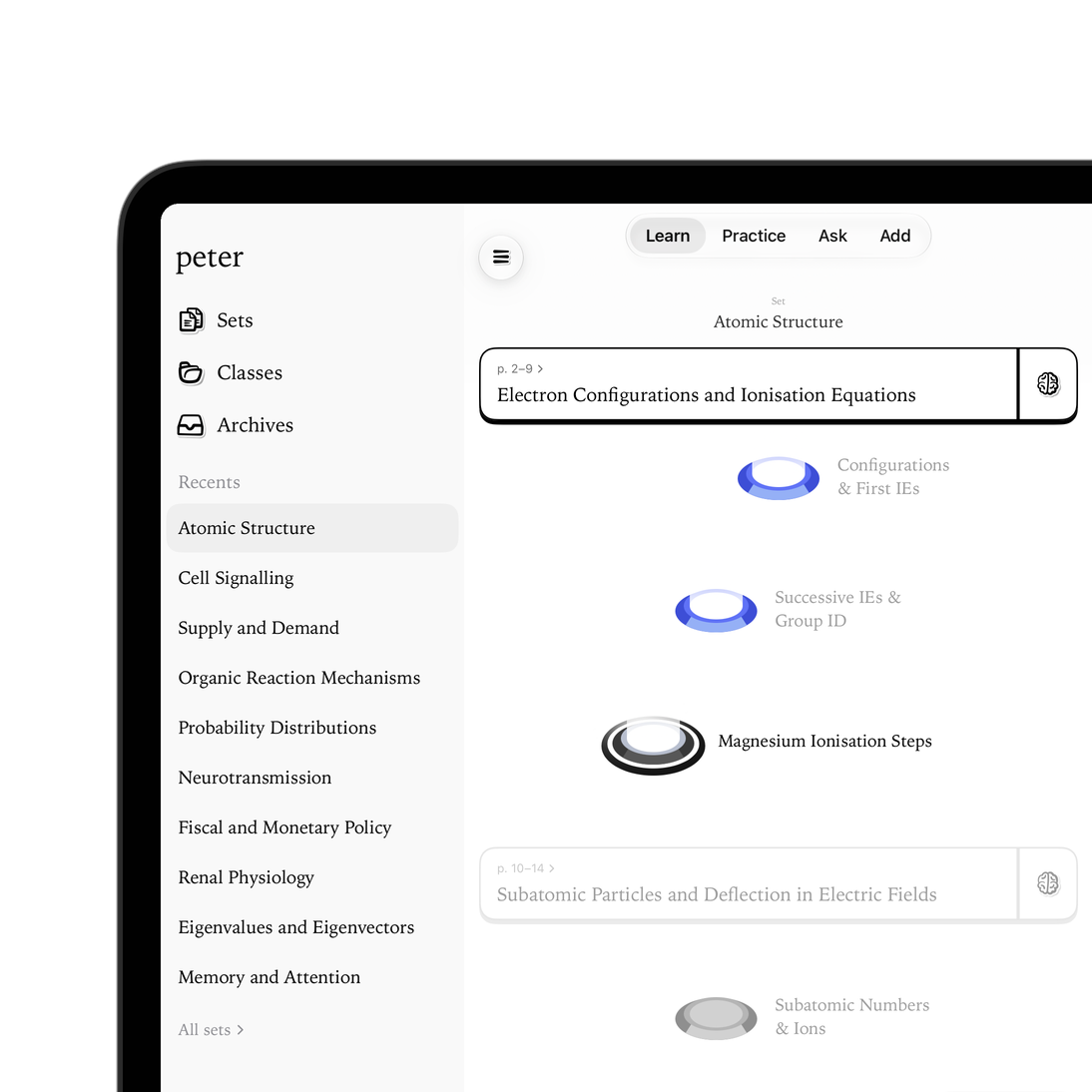
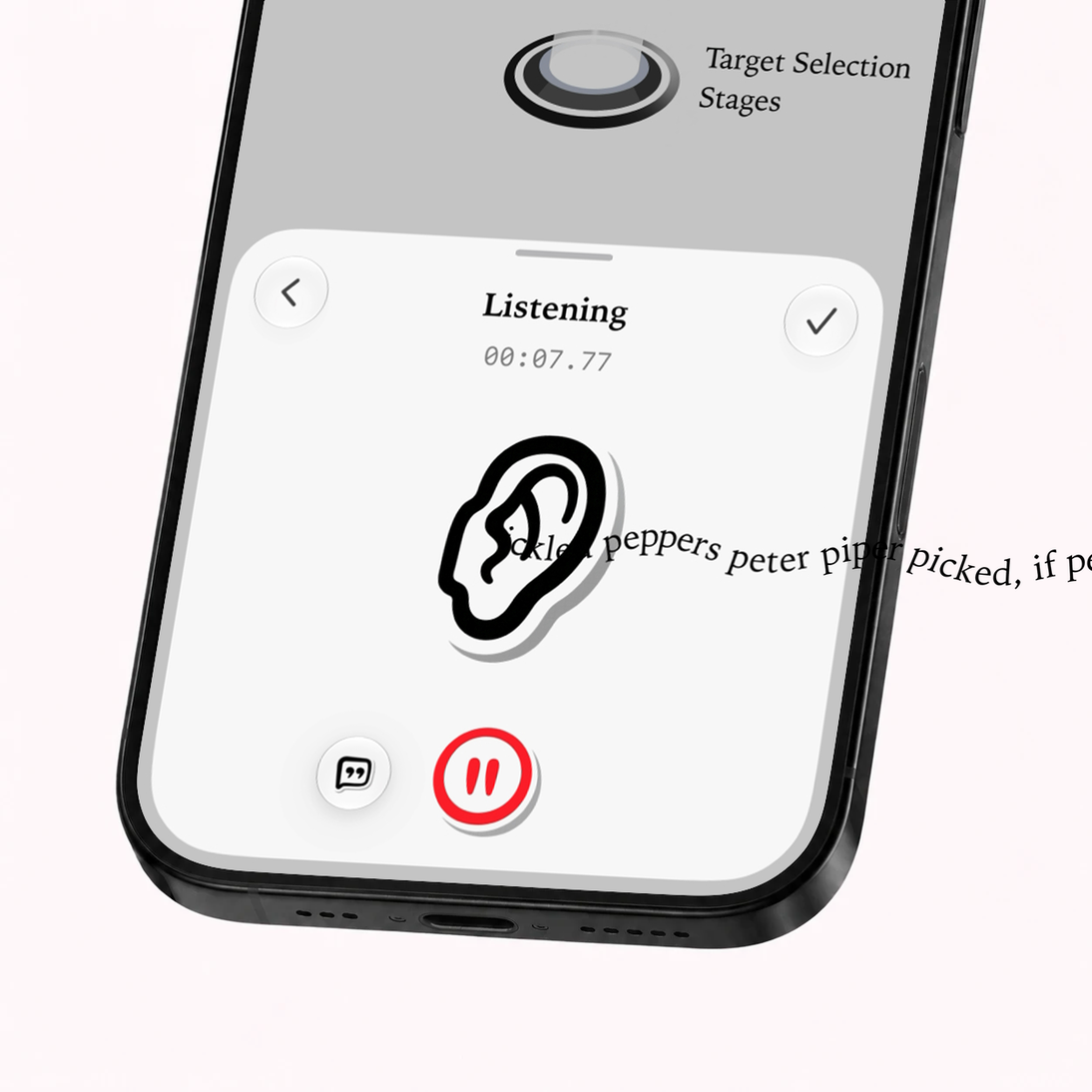
Record in the app and Peter transcribes it right on your iPhone. Ask about anything that was said and jump straight to that moment, instead of scrubbing through an hour of audio.
Record your next lecturePDFs, lecture slides, Word and Excel files, photos of your handwritten notes, audio and video — add any of them. One file becomes one study set, ready in minutes.
Add your first file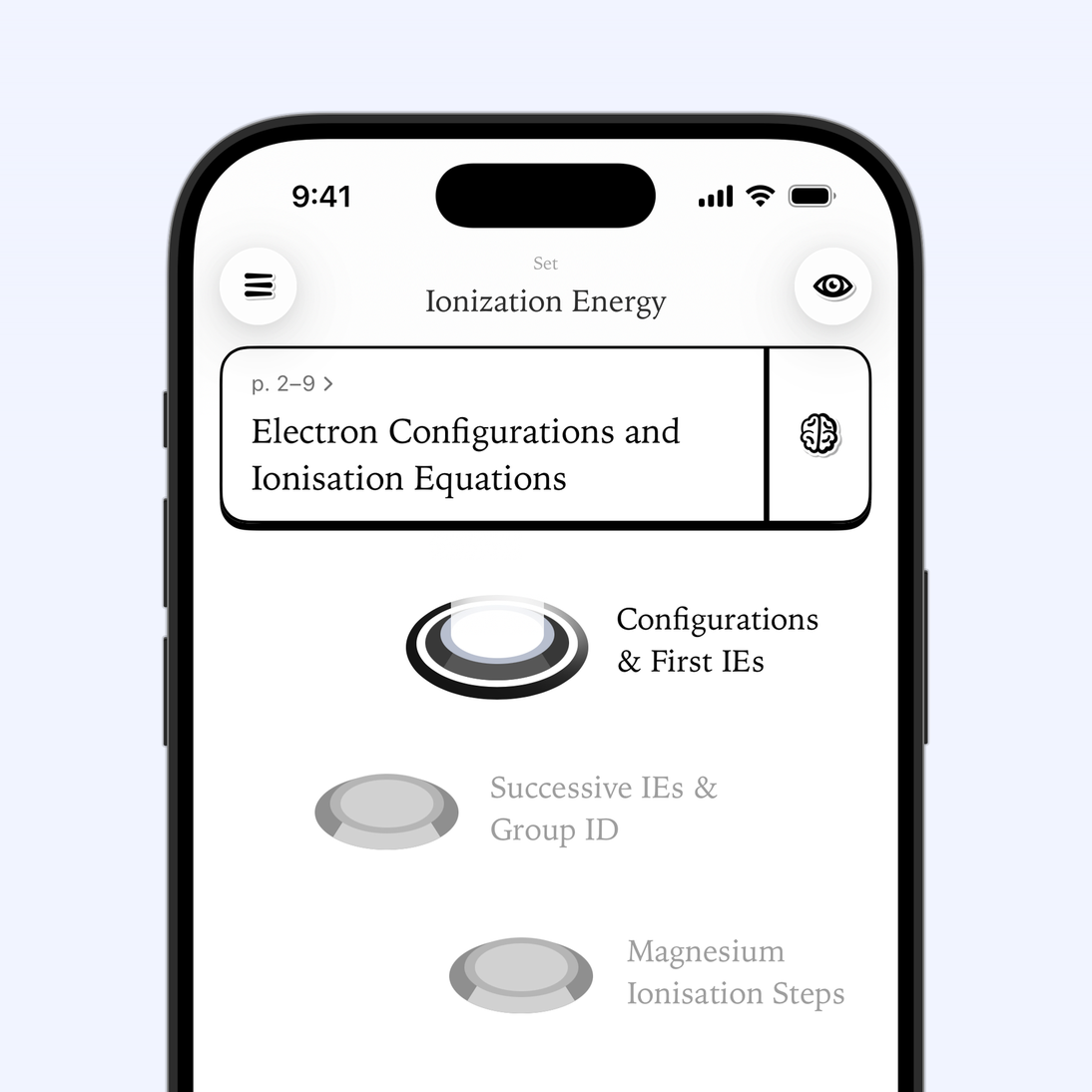
Peter splits your material into chapters and bite-size sessions, with questions written from those exact pages. Work through the path one session at a time and see how far you’ve come.
Start your first sessionMultiple choice, true or false, or answers in your own words. Every question points back to the page or the moment in the lecture it came from, and Peter checks what you write as carefully as what you tap.
Answer your first question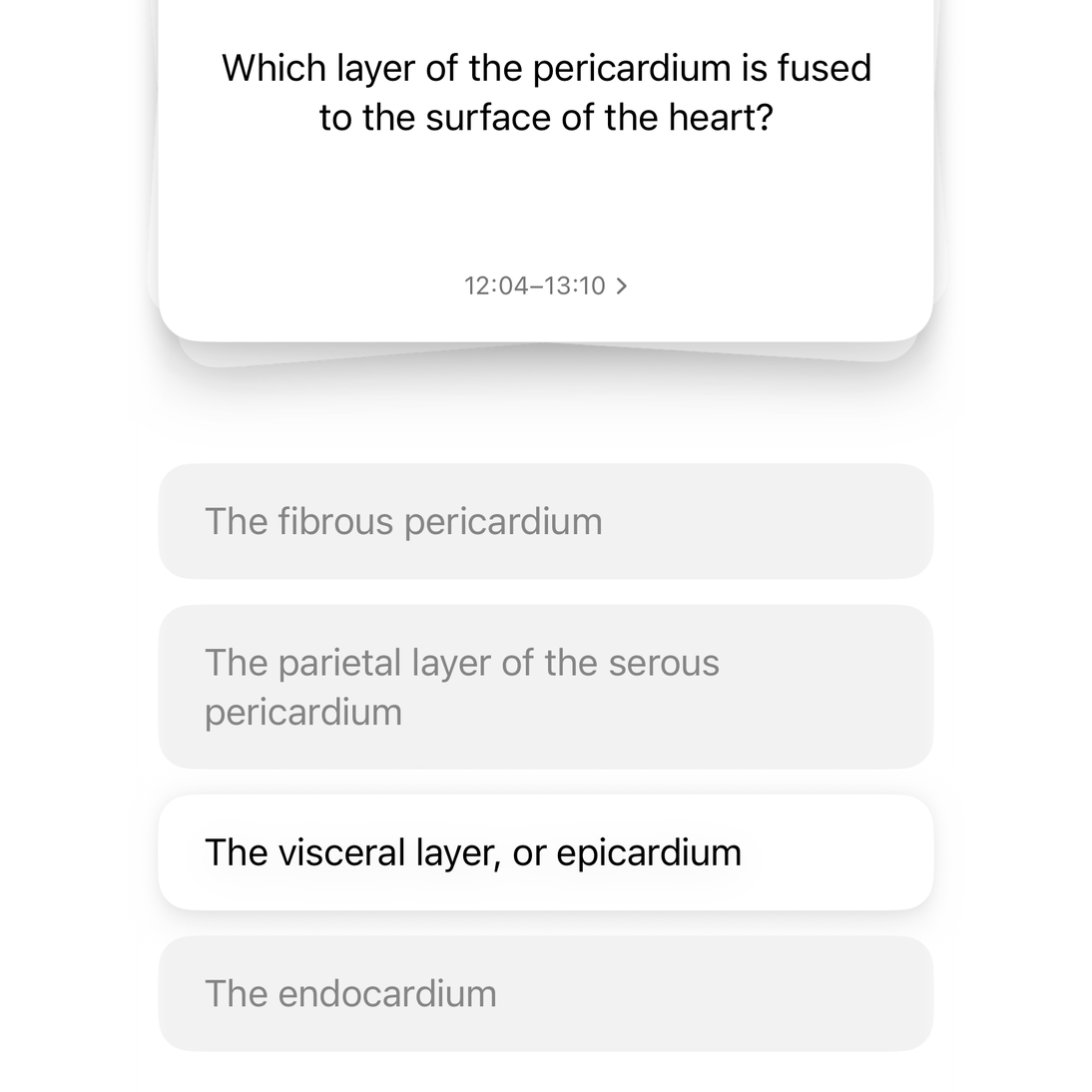
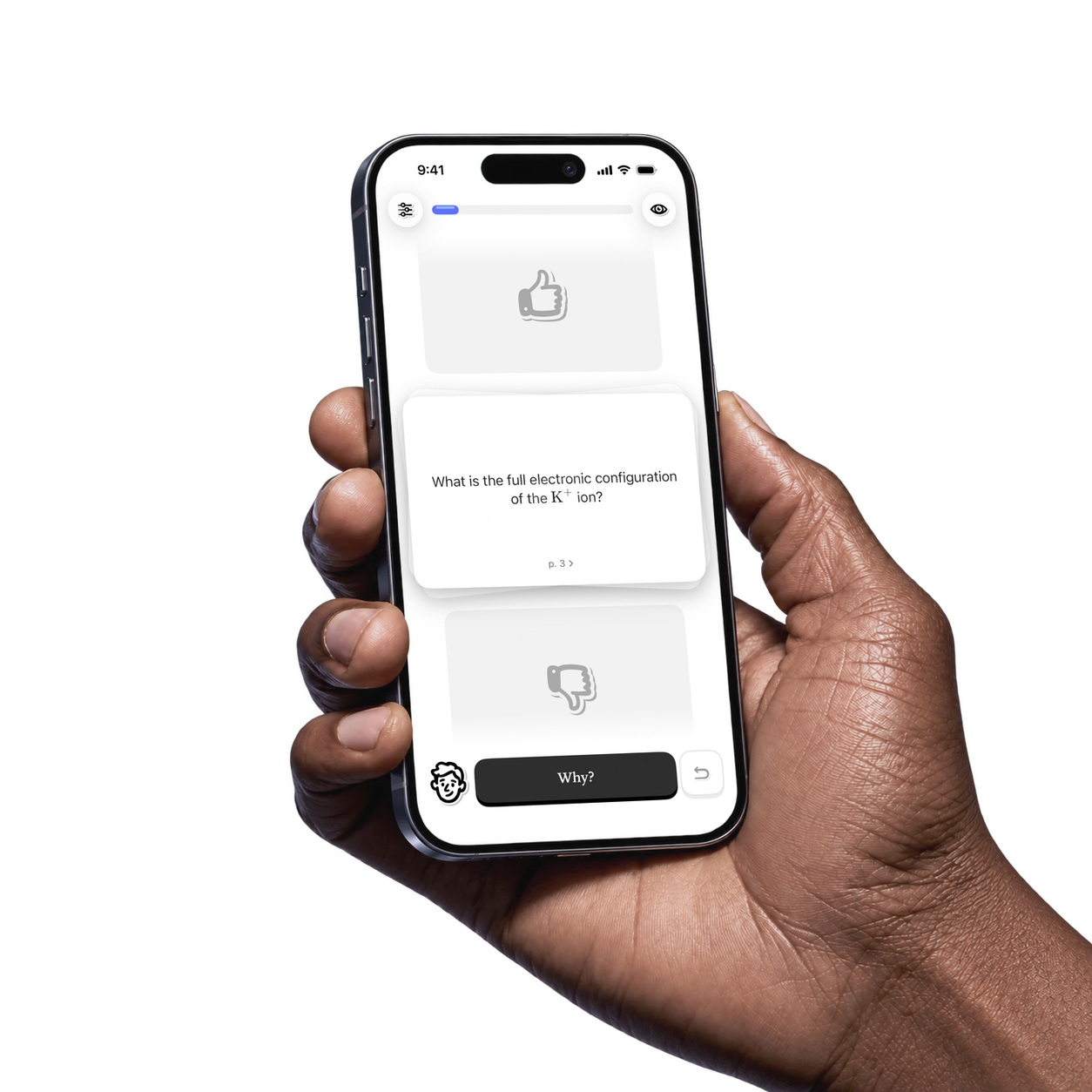
Peter writes a deck from your material and sizes it to what’s actually there — so a ten-page reading never turns into four hundred cards. Swipe what you know, and keep practising the rest.
Get your first deckAdd a PDF, slides, a Word document, photos of your notes or a recording. Peter reads all of it, works out what matters and builds a path of short sessions — with questions written from your material, so you study what your course actually covers.
Ask your own notes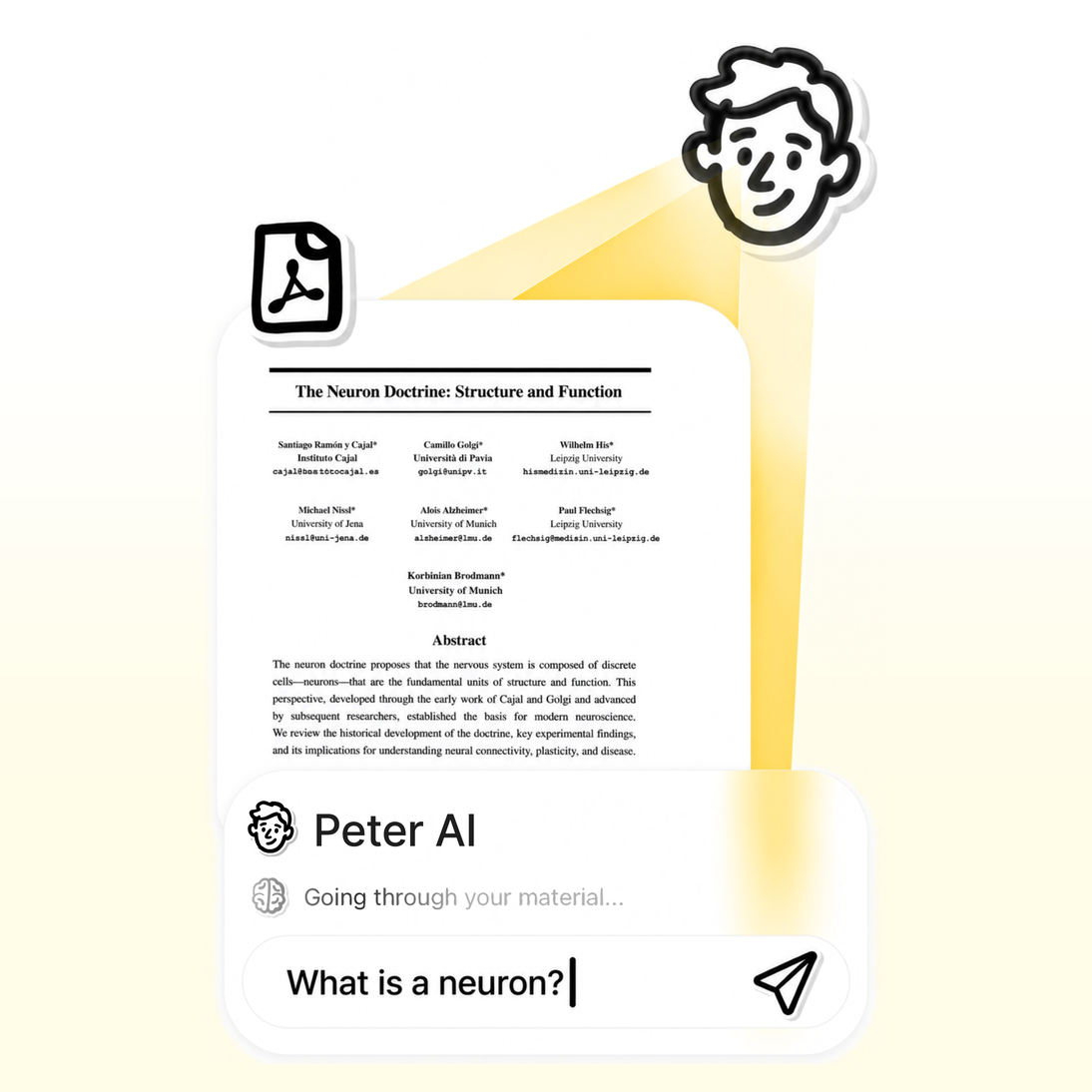
Students are using Peter to study from their own lecture notes and slides. Here’s what they’re saying.

Yes. Peter writes only from the material you give it. Every question, flashcard and answer comes from your own slides, notes or recording, and carries the page it came from, so you can check the source in one tap. If it isn’t in your material, it isn’t in your study set.
Peter works only from the file you give it. Every question and answer points to the page or moment it came from, so you can check it — and instead of one long chat, you get a structured path of sessions and flashcards to work through.
Your material is used only to make your study set, and never to train AI. There are no ads and no tracking. Recordings are transcribed on your device, and deleting your account deletes your library.
If you study from lecture slides, readings, notes or recordings — at school, at university or for a professional exam — Peter was built for you. It turns what you already have into something you can work through.
PDFs, photos of your notes, Word, PowerPoint and Excel files, audio and video, and recordings you make in the app. One file becomes one study set.
Turn your next lecture into a study set you can trust — and walk into the exam knowing where every answer came from.


